← Back to home Artwork & Templates

Label templates & file specs

Designing your own label? Start from a print-ready die-line and follow our file specs so your artwork prints exactly the way you intend. Prefer we handle it? Every order includes free design prep and a digital proof.

Download templates

Print-ready die-lines

One template per bottle, with trim, bleed and safe-area marked. Build your art inside the lines and it'll print perfectly.

We keep 40+ die-line templates on file — the right one depends on your bottle, label size and which of our bottling lines runs your order. Tell us what you're creating and we'll email the exact print-ready template within one business day, or just send your art and our design team will place it for you, free.
File specs

How to prepare your artwork

Follow these and your proof will match your intent the first time. Not sure? Send what you have and we'll prep it for free.

Accepted files
AI, EPS, SVG, PDFVector preferred. High-res PNG / JPG accepted for raster artwork.
Resolution
300 dpi minimumFor any raster (photo / flattened) elements, at final print size.
Color mode
CMYKConvert RGB before submitting; we can match Pantone / PMS spot colors on request.
Bleed
1/16″–1/8″ per sideThe exact bleed and cut line are marked on your template — extend background art to the bleed and keep critical text inside the safe area.
Fonts
Outlined or suppliedConvert type to outlines, or include the font files with your artwork.
What you get
Free design prep + digital proofWe review every file and send a proof for your approval before anything prints.

Full-Color

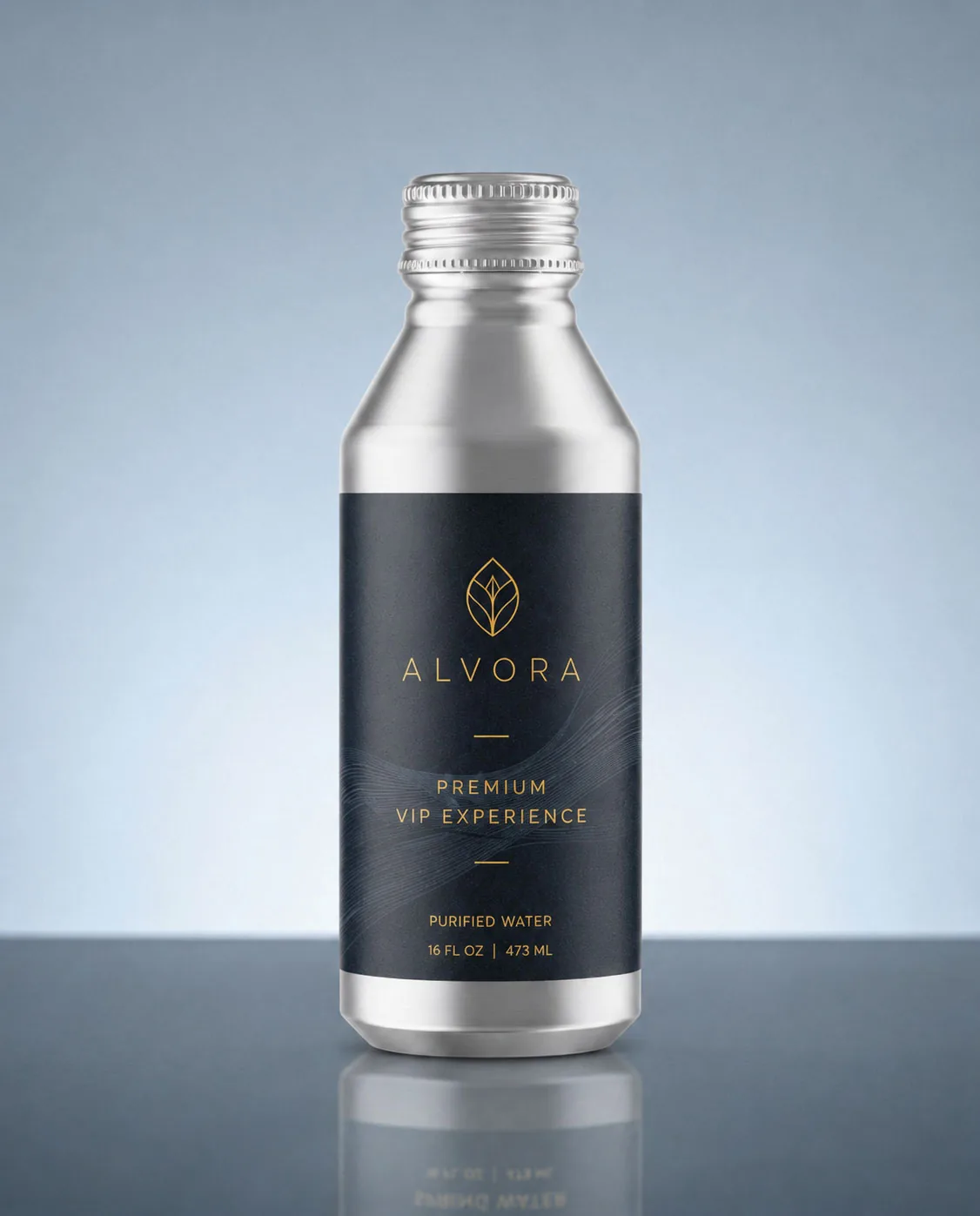
Full-wrap CMYK print with edge-to-edge color, photos and gradients. Build to the full die-line with bleed.

Ultra-Clear

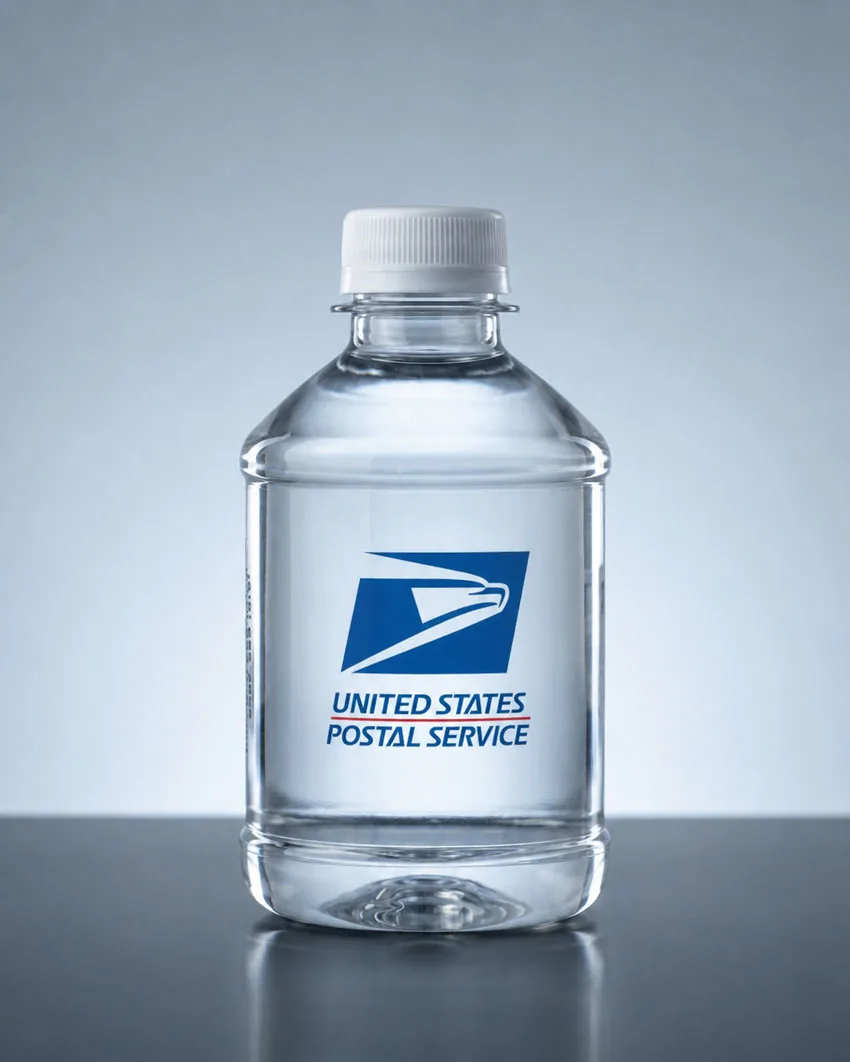
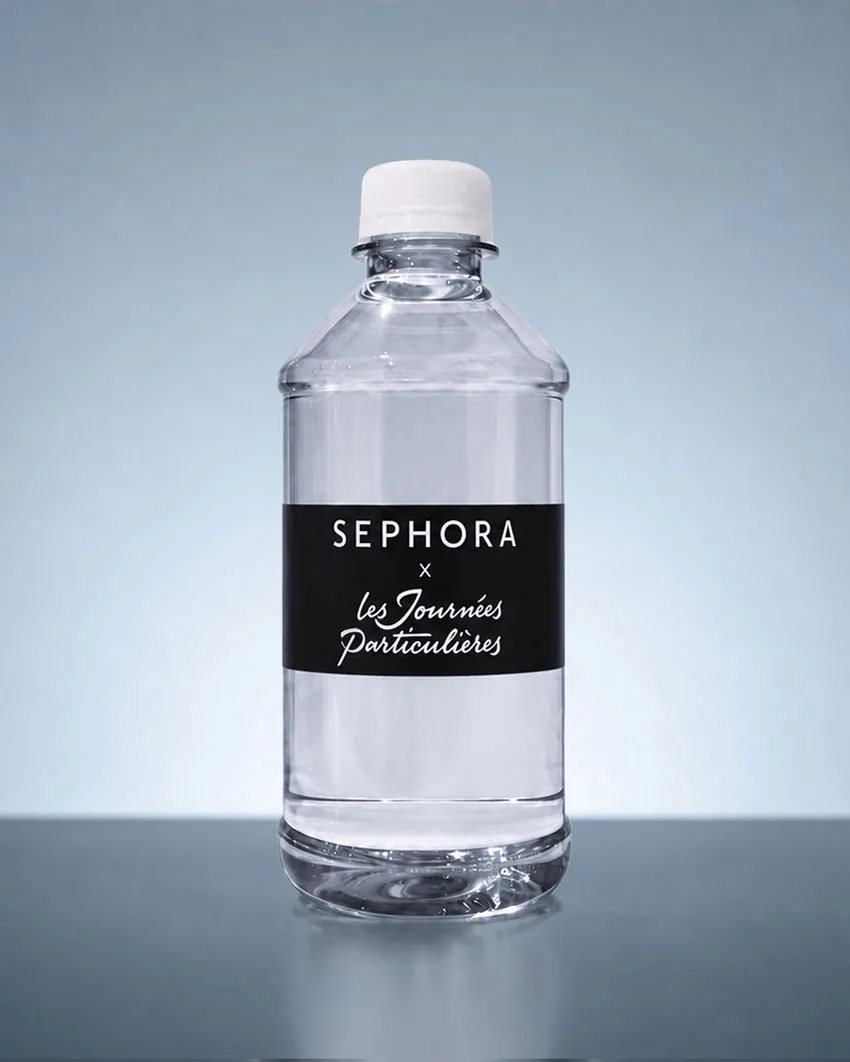
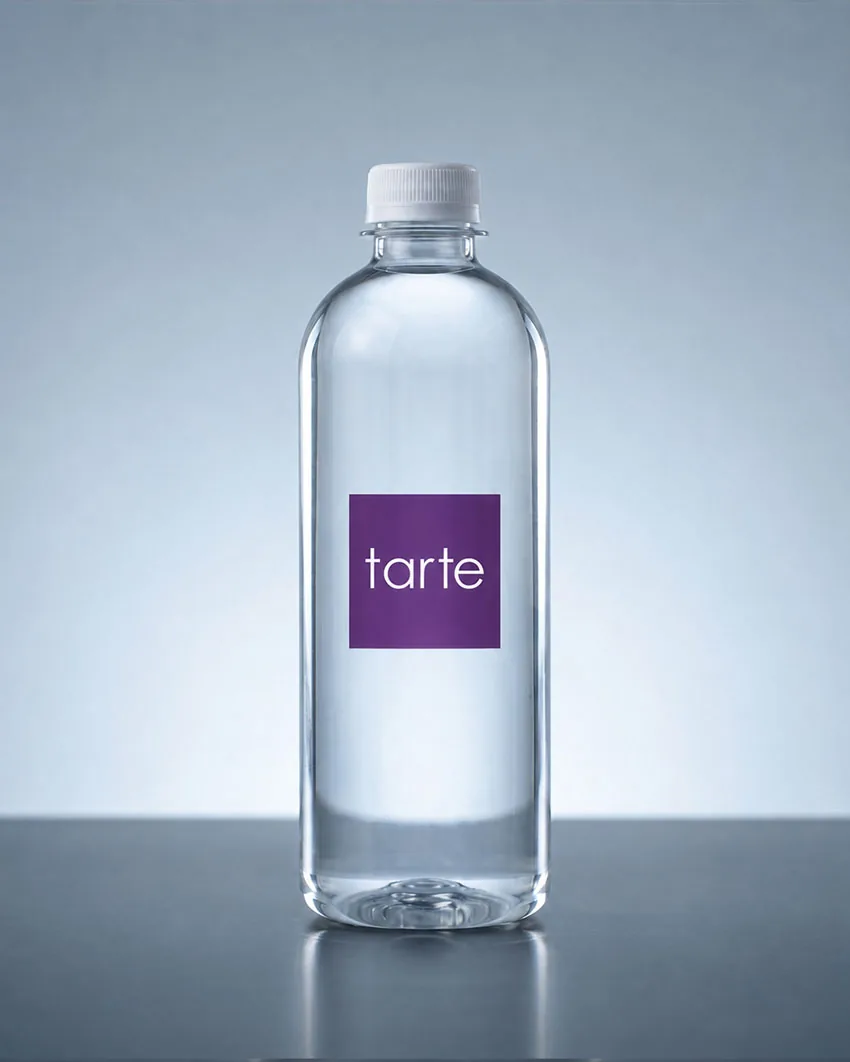
Clear film label that disappears into the bottle. There's no white backdrop, so white and very pale elements read against the water instead of a solid surface — we proof those areas with you before printing, and keep fine text a touch larger for legibility on clear stock.

3D Line

A label printed on the inside as well as the outside, so a second image shows through the bottle. Keep the inside (front-facing) layer simple — a mark, a silhouette, a few words — and save fine detail for the outer print; our designers lay out both layers for you free. The standard one-time $50 new-artwork setup applies (as with any finish).

Please note

  • Don't flatten your artwork. Keep the layers live so we can fine-tune placement on the die-line.
  • Using specific brand colors? Tell us the CMYK or solid-coated Pantone values and we'll match them.
  • Outline your text (or send the fonts) — live type that isn't outlined can end up with substituted fonts in print.
  • Embed all images before sending, or attach the image files alongside your artwork.
  • Every image needs 300 ppi minimum at final print size.

Our recommendations

  • Vector files win. AI, EPS, SVG or PDF is best for logos, text and flat graphics — they scale perfectly at any size.
  • Sharp images make sharp labels. Anything under 300 ppi softens the print.
  • Can't outline your text? Send a copy of the font files for every font in your artwork.
  • Keep critical text at 7 pt or larger. Smaller may still print — it just may not be readable.

Every monitor displays color a little differently, so your on-screen proof is a faithful representation of your design — not an exact color match for the printed label. If a color has to be exact, give us the PMS / Pantone code and we'll match it in print.

Rather we design it for you?

Send your logo and our in-house team will build a print-ready, full-wrap label, with a free digital proof before anything prints.